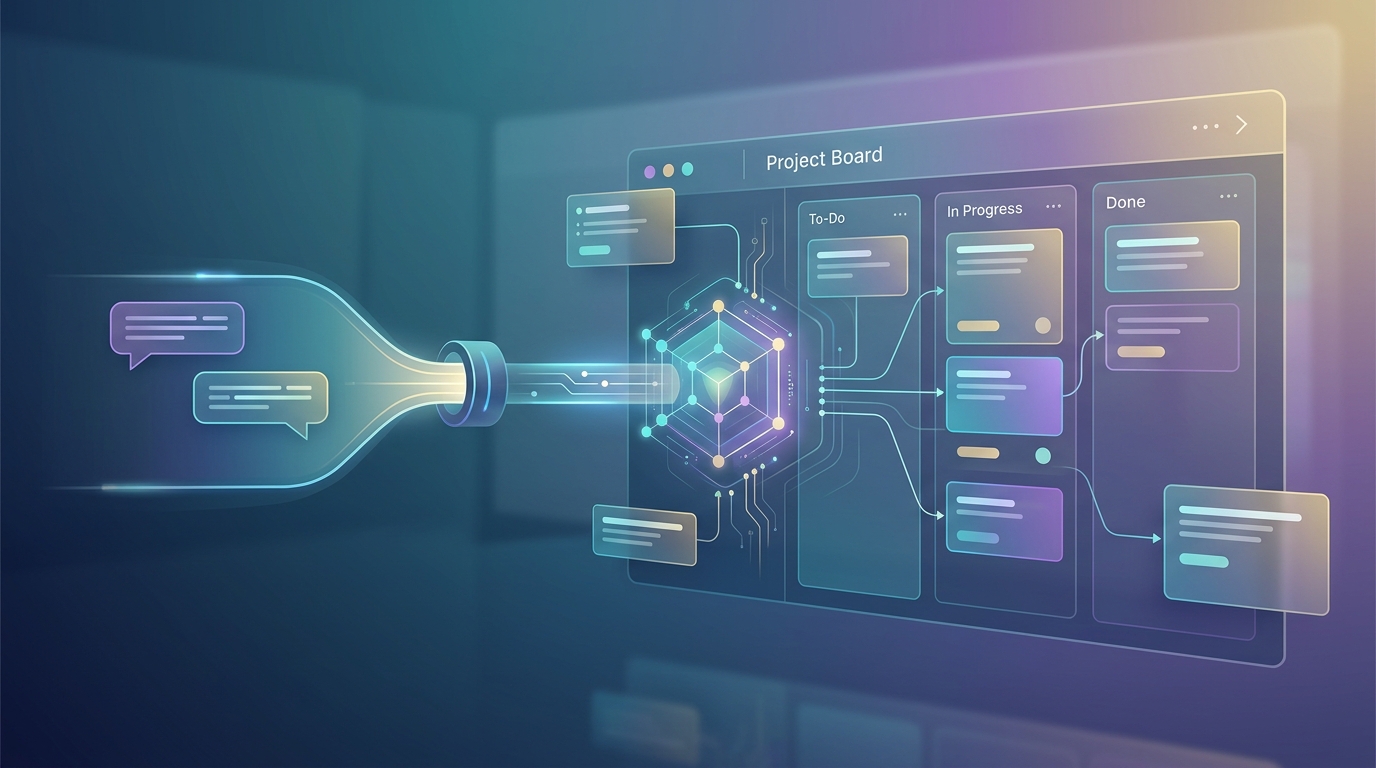
What if updating your project board didn’t mean opening your project board?
Today we’re announcing MCP support for Sinapsis, our project management platform. Our new MCP integration for project management connects Sinapsis directly to Claude. Through the Model Context Protocol, the open standard for connecting AI assistants to real tools, Sinapsis now plugs directly into Claude Code and Claude Desktop. Your board becomes something you talk to.
What this looks like in practice
Instead of switching windows, clicking through forms and dragging cards, you say things like:
– “Create a task in the BetSign project to fix the odds refresh, high priority, assign it to Maria.” – “Move that task to In Progress.” – “Mark it done and attach the test screenshot as proof.” – “Write up the migration plan and attach it to the task as a markdown file.”
Claude does it. The task appears on the board, moves through the columns, collects comments and attachments, all recorded in the task history with full attribution, exactly as if it had been done by hand.
For development teams using Claude Code, this closes a loop that has always been annoyingly open: the AI that writes the code can now also manage the work items about the code. Finish implementing a feature, and in the same conversation the task moves to Test, gets a comment summarizing what changed, and carries the proof screenshot.
Clients get their own connection
Here’s the part we’re most excited about. MCP access isn’t just for our team, every Sinapsis client can connect their own AI assistant to their projects.
Clients generate a personal API key in their Sinapsis settings (one click, revocable at any time) and register our lightweight MCP server with Claude. From then on, from a simple conversation, they can:
- Track progress, “What’s the status of the tasks in my project?”
- Report bugs, “Submit a bug: the export button overflows on mobile, here’s the screenshot.”
- Request features, described in plain language, filed with the right priority
- Follow up, “Any update on my feature request from last week?”
- Join the discussion, comment on tasks and requests, @mention team members, attach images
Every action happens as their user, under their permissions. Clients see only their own projects, the team gets notified through the normal channels, and everything lands in the same audit trail. The AI is a new interface, not a new security model. It extends the philosophy Sinapsis started with: connecting clients directly to the software development lifecycle instead of hiding it behind status meetings.
Built with boundaries
Giving an AI write-access to production project data deserves healthy skepticism, so we designed the boundaries first:
- Personal, revocable keys, hashed at rest, shown once, killable in one click
- Server-side permissions, the API enforces roles regardless of what any client asks for; a client key structurally cannot move tasks or touch other projects
- Full attribution, every automated action is stamped with who did it, human or AI
- No destructive access, deleting anything remains a human-only, logged-in operation
Own a project management tool? We can make it speak MCP too.
Sinapsis is our platform, but the pattern is universal. If your company runs custom project management software, or any internal tool, and you want it connected to Claude Code or Claude Desktop through MCP, we build that. Secure authentication, scoped permissions, conversational workflows tailored to how your team actually works: it’s exactly what we just shipped for ourselves, and we can ship it for you.
And if you’d like to see this in action first, we’re offering access to test Sinapsis, bring a real project and experience AI-native project management with your own board.
This launch is part of a broader thesis we keep writing about: real work moves forward when AI stops being a chat window and starts holding the tools. If that idea interests you, read why your team needs autonomous agents, not better chatbots, and for the engineering side, how we keep autonomous agents under control in Nexus OMAS.
Get in touch and tell us which one you need.
Deploy Nexus OMAS in your organisation.
A 30-minute architecture briefing, we map your data landscape and tell you honestly whether OMAS is the right fit.