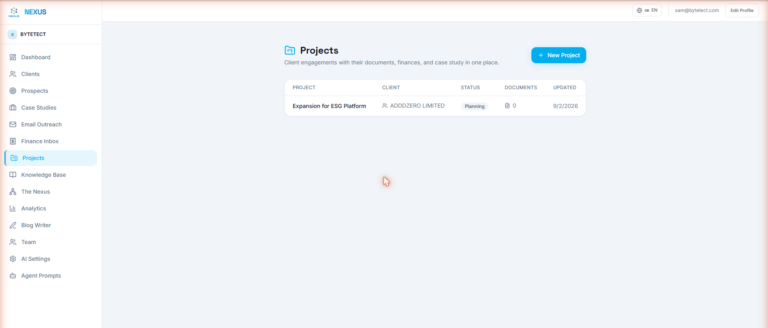
Projects in Nexus OMAS: One Home for Documents, Finances, and Case Studies
Create a project, connect it to a client, load it with documents from uploads or Google Drive, track its income and expenses, and turn the result into a case study.
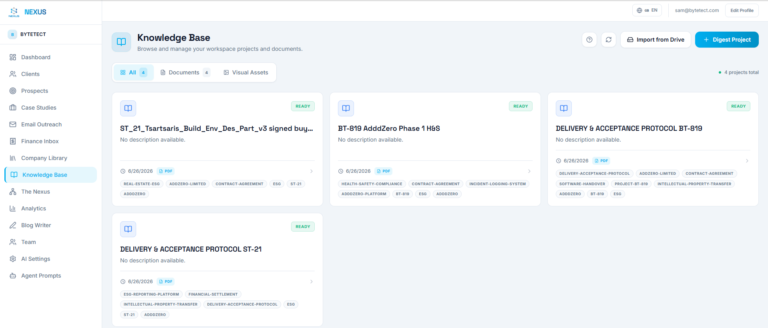
Product documentation and hands-on guides for Nexus OMAS — setup, workflows, agents, integrations, and best practices.
Create a project, connect it to a client, load it with documents from uploads or Google Drive, track its income and expenses, and turn the result into a case study.
Connect Google Drive to Nexus OMAS with read-only access, import whole folders into the knowledge base or the invoice pipeline, and let watched folders keep everything in sync automatically.
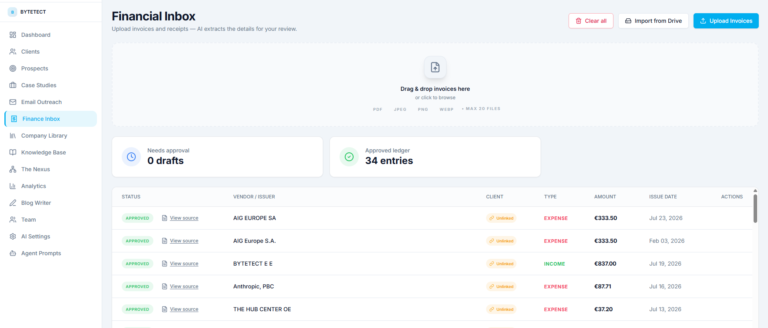
How Nexus OMAS turns uploaded invoices and receipts into structured draft transactions, and how your team reviews, links, and approves them into a clean ledger.
Set up your Nexus OMAS workspace, invite your team, connect Google Drive, and run your first AI-assisted workflow in about fifteen minutes.